You can audit HTML5 website templates in about 20 minutes using only your browser, before you spend anything. Run six timed checks on the live demo: page source, keyboard use, narrow widths, load weight, broken bits and license terms. A template that fails two or more will likely cost you more in repair hours than its sticker price saved.
Open the demo in a desktop browser, set a timer, and keep notes. Picture a freelancer choosing a base for a client’s site, because that is who suffers most when a purchase goes wrong. The same audit works for any demo, so try it on ours if you like.
Minutes 0 to 4: read the source
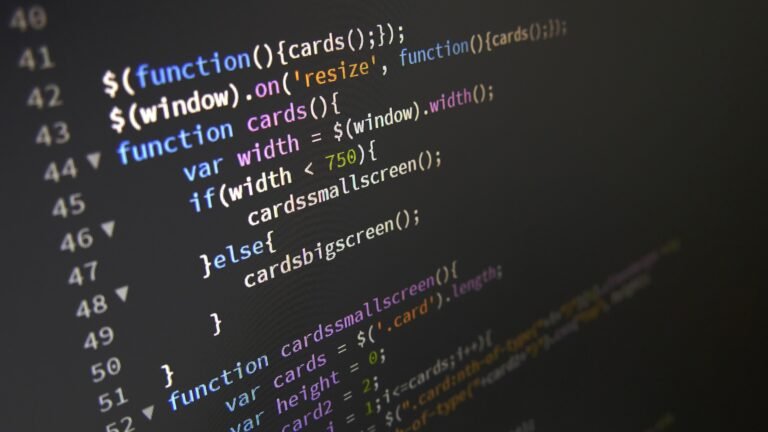
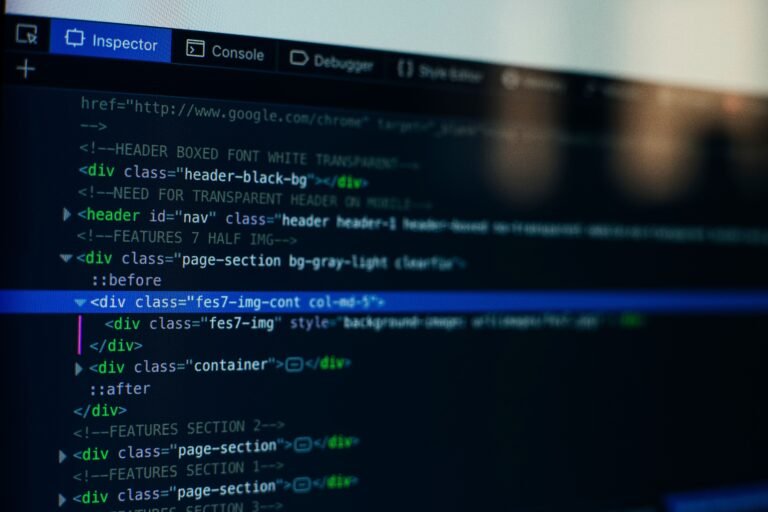
Press the shortcut for View Source on an inner page, not only the home page. Demo home pages get the most polish, while inner pages show the template’s real habits.
- Is the page built on header, nav, main and footer, or a wall of div tags?
- Search for <h1. There should be exactly one, and it should describe the page.
- Is the html tag carrying a lang attribute?
- Do clickable things use button or a, or are they div tags with click handlers?
- Could you guess what a class like pricing-card does? Could you guess for col-x7-b?
Then paste the address into the W3C Markup Validator. A short list of warnings is normal. A very long list of errors suggests nobody ever checked.
Minutes 4 to 8: put your mouse away
Click in the address bar and press Tab repeatedly. This one test reveals more about the care behind a template than any feature list.
- Can you see where you are on the page? A visible focus outline should follow you.
- Does the menu open, and can you close it with Esc?
- Does the order make sense, or does focus jump around the page?
- Can you get through a slider or a popup, or does it trap you?
Next, look at the contrast. Light gray text on white is common in demos, because it photographs well in previews. Use the contrast checker in your browser’s developer tools on body text and buttons. Also look for empty alt attributes on images that carry meaning.
Minutes 8 to 12: squeeze it
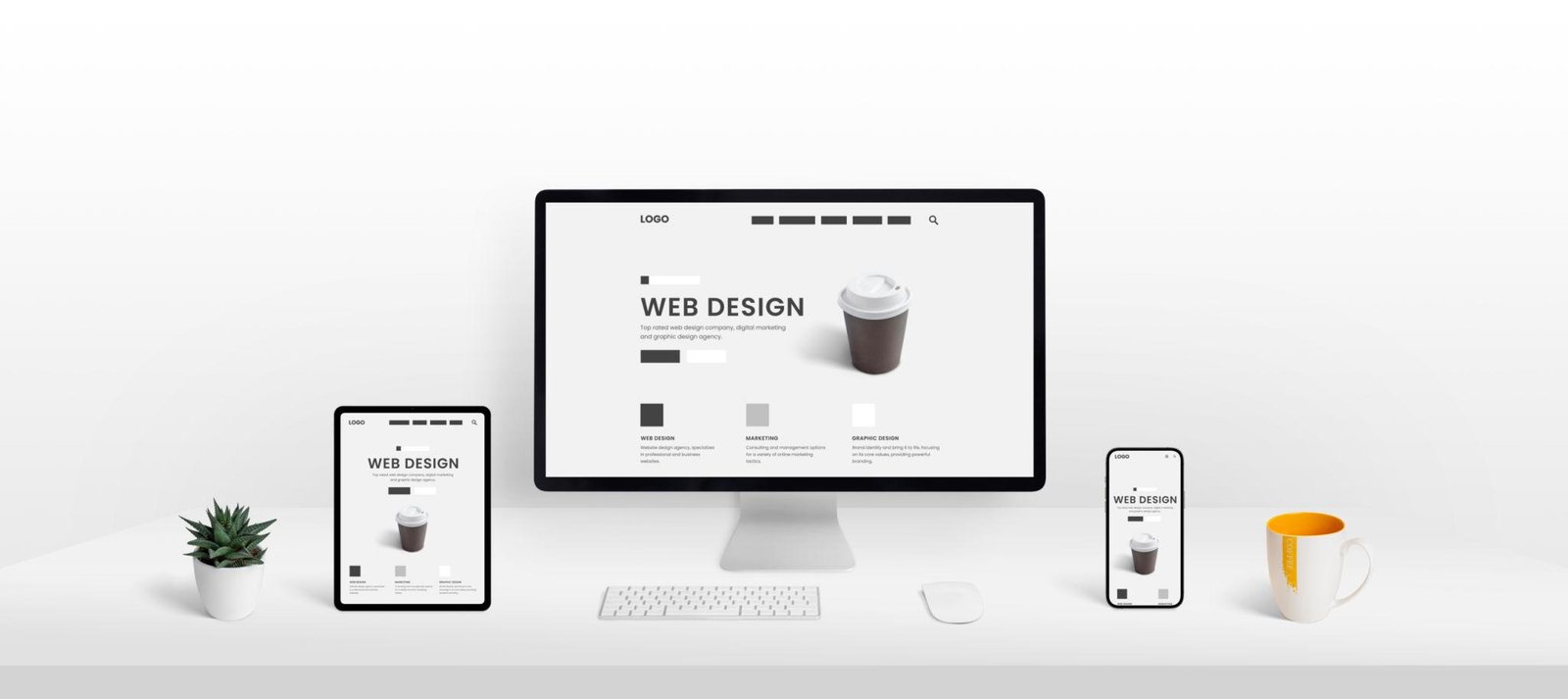
Open device mode in the developer tools and go to about 320 pixels wide. That is a harsh width, which is why it helps. Slowly drag up to tablet size and then wide desktop.
Things to look for:
- A sideways scrollbar at any point
- Long headings that overflow or break mid-word
- Price tables and forms that spill out of their box
- Tap targets packed too tightly to hit accurately
- Sections hidden on phones, which means content your mobile visitors will never see
Now paste in the longest real heading you plan to use, right in the developer tools. Demos use short, tidy text. Your client’s business name might not be short or tidy.
Minutes 12 to 15: weigh it
Open the Network panel, turn on “Disable cache” and reload. Check the total transfer size and the request count. Scan the list for several animation libraries, more than one copy of jQuery, or huge images. Then run Lighthouse on a mobile profile for an inner page.
Do not worship the score. Read the suggestions instead. Oversized images are easy to fix, since you will replace them anyway. A pile of render-blocking scripts is much harder to fix, because the template depends on them.
Minutes 15 to 17: look for broken parts
Click everything a real visitor would: each menu item, the 404 page, the blog layout, the search box, the accordion. Open the browser console and look for red errors during each click.
Fill in the contact form, and find out what it actually does. HTML5 alone cannot send email, so a form needs a script or a service behind it. A good template says so clearly. Also check that the icons and fonts load from sources you could keep using, because some templates depend on an outside host that you do not control.
Minutes 17 to 20: read the terms
Ask these before you pay, and get the answers in writing:
- How many end products does one license cover?
- May I use it for a client? May I use it in something I sell to many users?
- Are updates included, and for how long?
- What happens if it does not work as described?
- Are the images in the demo included, or are they only for show?
As one example of clear terms, Marketplace products use a Regular License when the result is a single product for yourself or a single client, and an Extended License when that single product goes out to many users. Each download carries a key, a PDF of the terms and a LICENSE.txt in the ZIP, along with lifetime free updates. A refund is open for 14 days if a product fails to do what its description says and support has no fix. Read the terms on any store you use and compare.
Scoring HTML5 website templates from your notes
Give the template one point for each section it passes cleanly.
- Six points: Buy it.
- Four or five: Buy it if the failures are cheap to fix, such as heavy images or low contrast on a few elements.
- Three or fewer: Move on. Keep looking in the website templates section or elsewhere, or have the page built instead.
HTML-only designs worth auditing include Bizteto for startups and company sites, at $39 under the Regular License.
If you would rather skip the audit
The audit tells you what is wrong, not who will fix it. You can send a template and the list of failures to our custom websites team as a task, from $49. Or order the page from scratch, at $299 for one page in 48 hours. AI writes the first markup and copy, and an expert runs the same six checks and repairs what fails before you see it.
Quick answers on HTML5 templates
What does “HTML5” actually promise?
Very little by itself. It is the current version of HTML, so nearly any modern template can claim it. The audit shows whether the code uses it properly.
Is a Lighthouse score enough to judge a template?
No. It measures a demo at one moment and misses keyboard traps, broken forms and license terms. Treat it as one signal among several.
What if I cannot read code at all?
Skip the source check and run the keyboard, phone width and click tests. Those need no coding knowledge, and they catch a lot of poor work.
Have your audit notes and do not want to spend the weekend on repairs? Start a Task, attach the template, and get a fixed price for the fixes.